
Set up the third-party payer scheme
Screenshots show the Dutch interface. Menu names and buttons appear here as they appear on screen, in Dutch.
If your patient falls under the third-party payer scheme, you tick that in the reimbursement tab. Halingo then charges the co-payment to the patient and the rest to the ziekenfonds, the Belgian sickness fund.
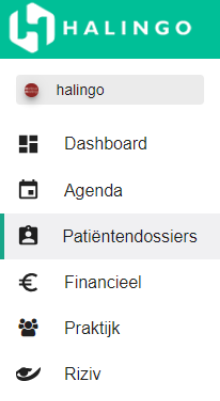
Click patiëntendossiers (patient files) in the left-hand menu.
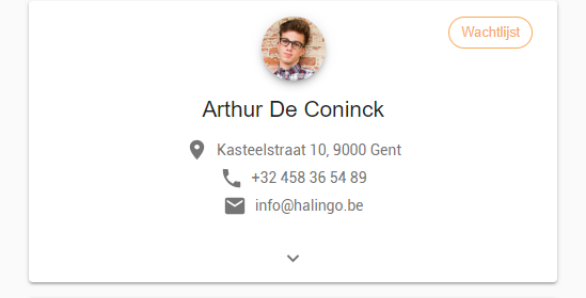
Click the file of the patient concerned.
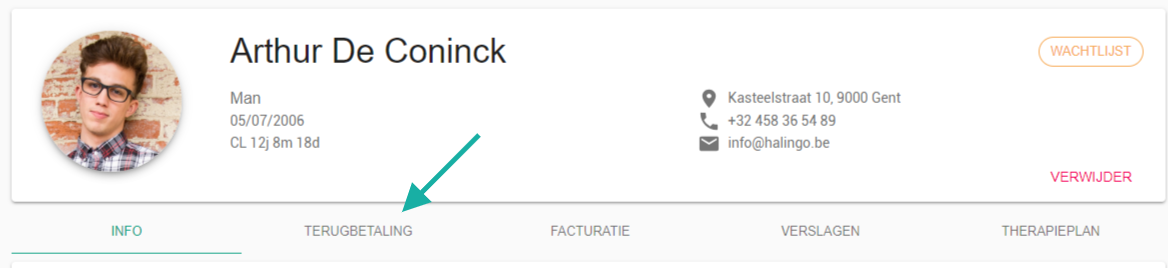
Go to the terugbetaling (reimbursement) tab.
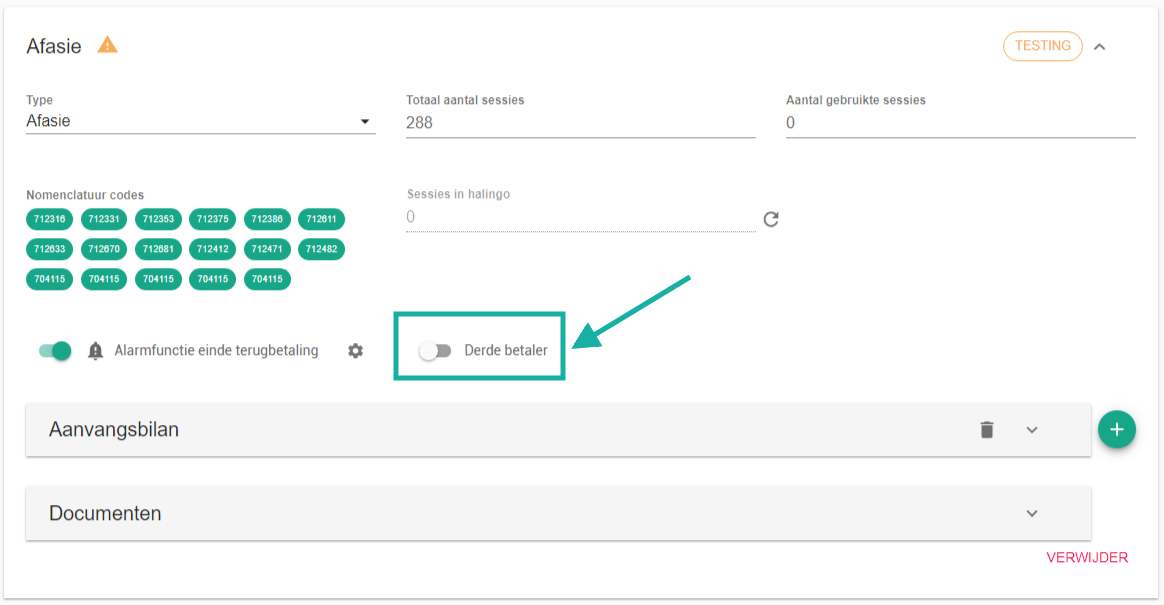
Tick derde betaler (third-party payer) using
 .
Was this article helpful?
One more question?Open a ticket and we will look at it with you.
Open a ticket