
Find a report
Screenshots show the Dutch interface. Menu names and buttons appear here as they appear on screen, in Dutch.
Reports you have uploaded or created in the patient dossier are found through the reports tab.
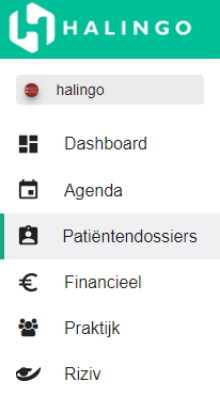
Click patiëntendossiers (patient dossiers) in the left-hand menu.
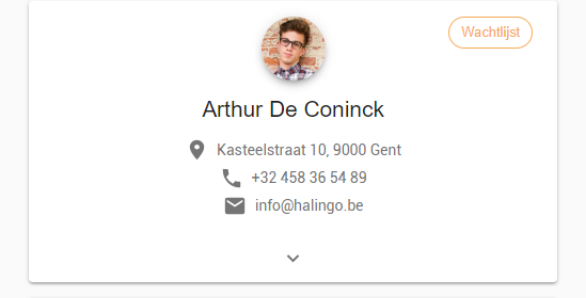
Click the patient.
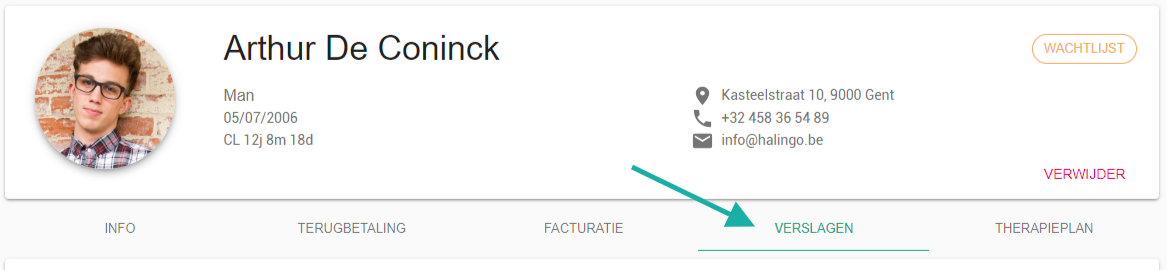
Select the verslagen (reports) tab.
Type your search term in the search bar.

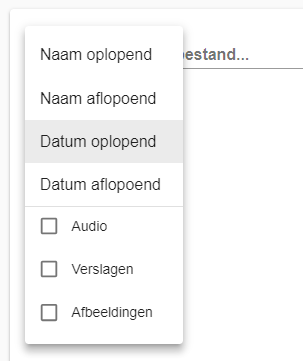
The filter narrows the search.
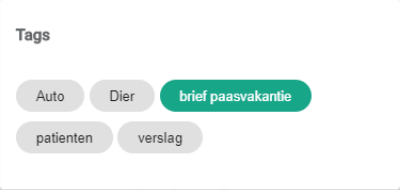
You can also search by tag: click the
 icon and pick the tags.

Was this article helpful?
One more question?Open a ticket and we will look at it with you.
Open a ticket