
Delete a reimbursement
Screenshots show the Dutch interface. Menu names and buttons appear here as they appear on screen, in Dutch.
You can delete a reimbursement as long as no appointments or billed sessions are attached to it. If there are, the reimbursement stays.
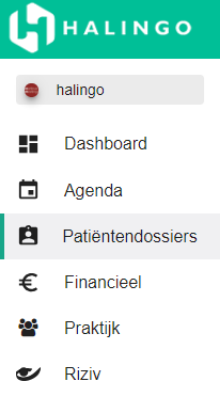
Click patiëntendossiers (patient files) in the left-hand menu and open the file you need.
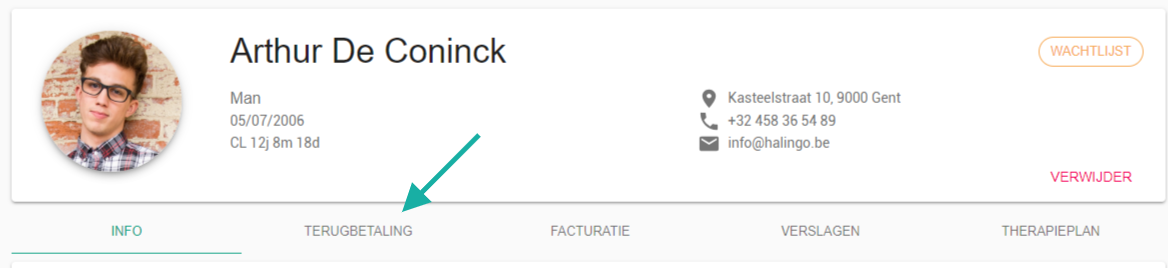
Go to the terugbetaling (reimbursement) tab.
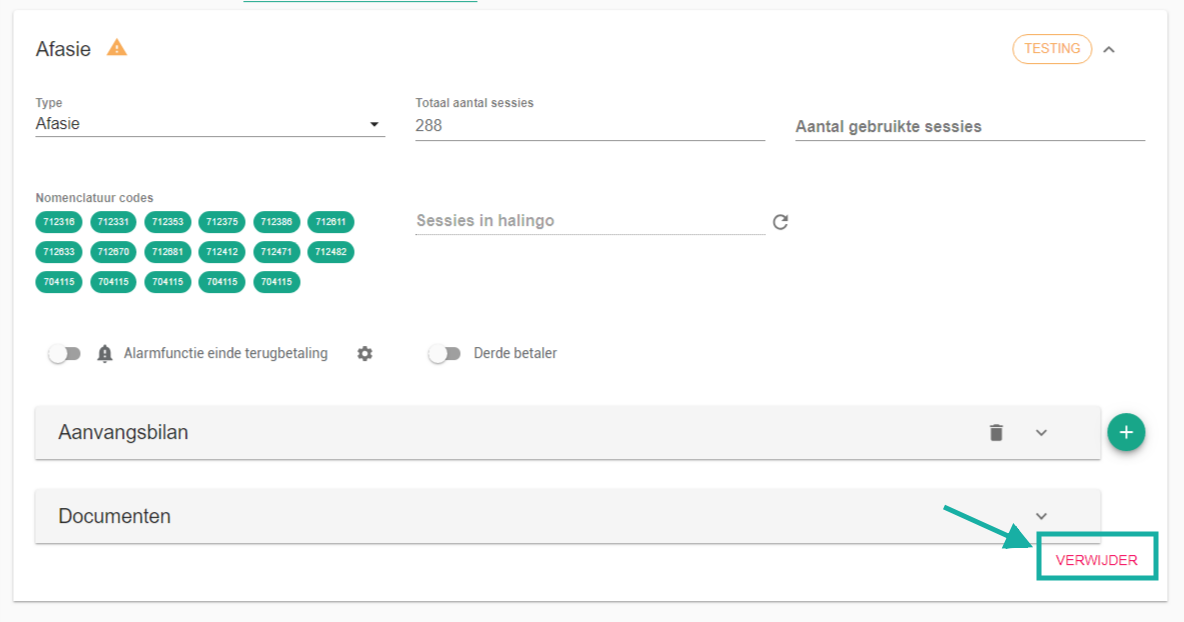
Expand the reimbursement panel and click the delete button.
Halingo asks whether you really want to delete the selected reimbursement.
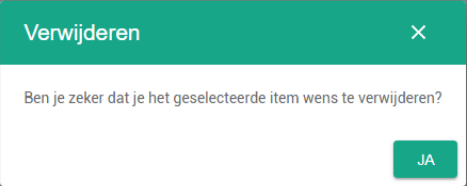
Click the yes button.

Was this article helpful?
One more question?Open a ticket and we will look at it with you.
Open a ticket