
Add the care coordinator’s details
Screenshots show the Dutch interface. Menu names and buttons appear here as they appear on screen, in Dutch.
If your patient is a school-age child, you can add the school, the teacher and the care coordinator (zorgcoördinator) to the dossier.
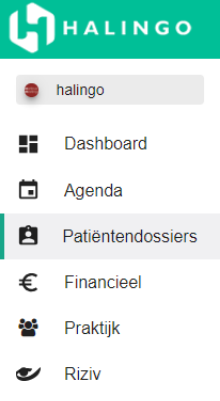
Click patient dossiers in the left-hand menu.
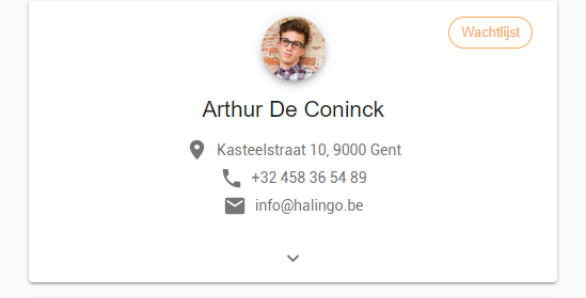
Click the child’s patient dossier.
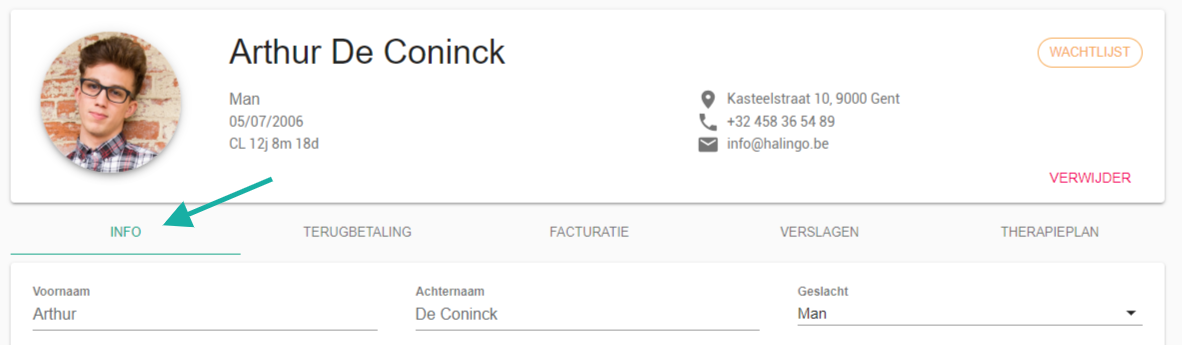
Open the info tab.
Select pupil under occupation.
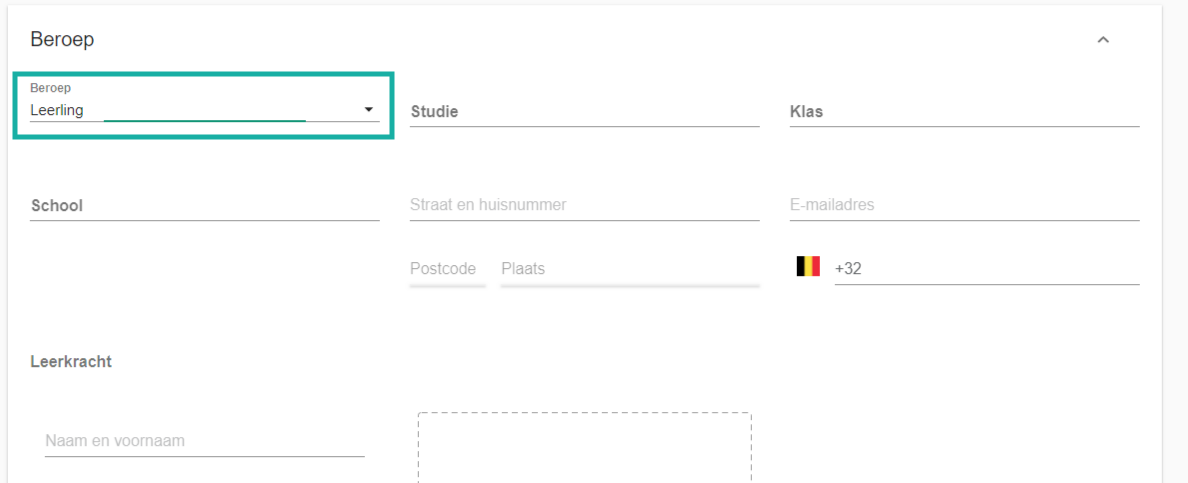
Fill in the care coordinator’s details.
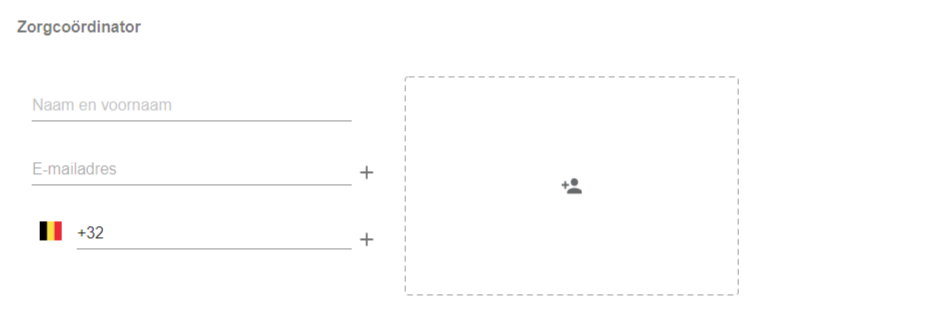
The
 button in the box adds a second care coordinator.
Was this article helpful?
One more question?Open a ticket and we will look at it with you.
Open a ticket