
Create a short-term therapy plan
Screenshots show the Dutch interface. Menu names and buttons appear here as they appear on screen, in Dutch.
A short-term therapy plan is written straight into the patient’s appointment. The preparation for the next session then sits with the session itself.
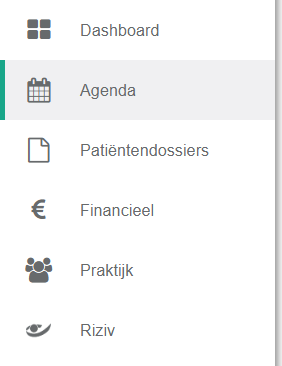
Click agenda in the left-hand menu.
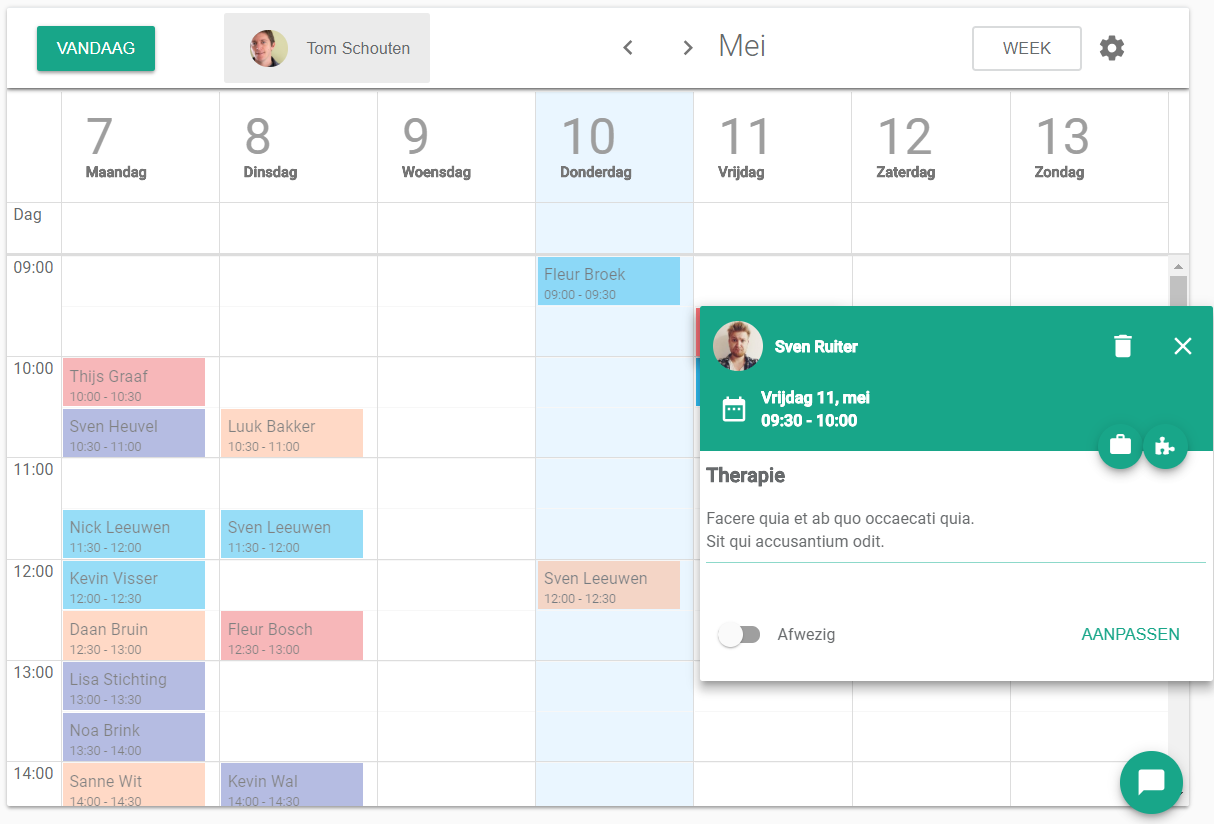
Click the afspraak (appointment) of the patient you are planning for.
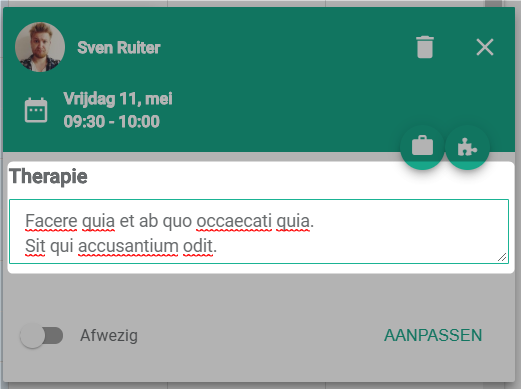
Type the therapy plan in the therapy text field.
Was this article helpful?
One more question?Open a ticket and we will look at it with you.
Open a ticket