
Change the language
Screenshots show the Dutch interface. Menu names and buttons appear here as they appear on screen, in Dutch.
Your profile language sets the language you see Halingo in. Invoices and letters from the practice follow a separate setting, the practice language. See Change the practice language for that.
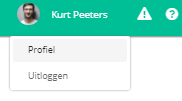
- Click your name at the top right of the navigation bar.

- Click profiel (profile).
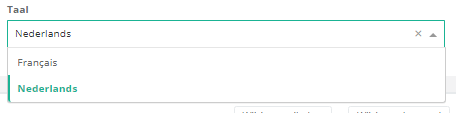
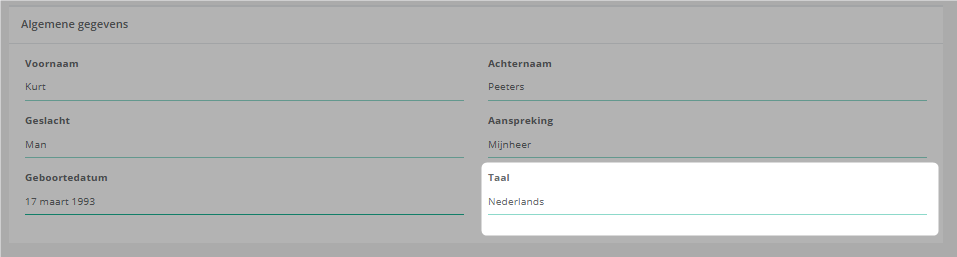
- Go to the algemene gegevens (general details) box and select the language you want.
Was this article helpful?
One more question?Open a ticket and we will look at it with you.
Open a ticket