
Make a member an administrator or owner
Screenshots show the Dutch interface. Menu names and buttons appear here as they appear on screen, in Dutch.
You can make a therapist in your practice an administrator or the owner of the practice.
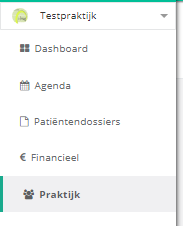
- Click praktijk (practice) in the left menu.
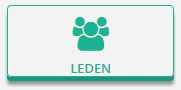
- Click the leden (members) button.
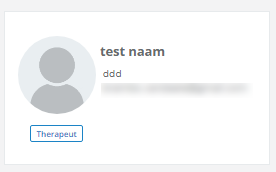
- Click the member to open their member page.
Make a therapist an administrator
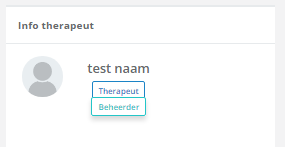
In the therapist info panel, click the huidige status (current status) and choose beheerder (administrator).
Make a therapist the owner
In the therapist info panel, click the maak eigenaar (make owner) button.
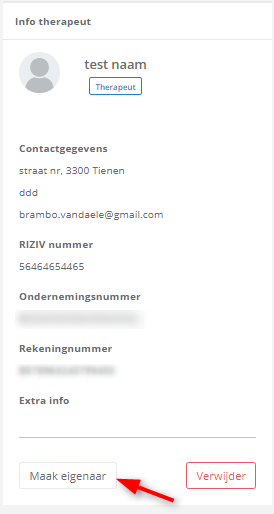
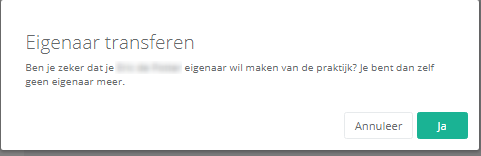
A pop-up appears. Click yes to make the therapist the owner of the practice.
Was this article helpful?
One more question?Open a ticket and we will look at it with you.
Open a ticket