
Cancel your subscription
Screenshots show the Dutch interface. Menu names and buttons appear here as they appear on screen, in Dutch.
If you no longer want to use Halingo, you cancel your subscription from your practice.
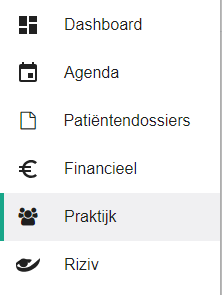
- Click praktijk (practice) in the left-hand menu.
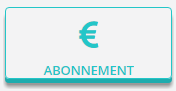
- Click the abonnement (subscription) button.
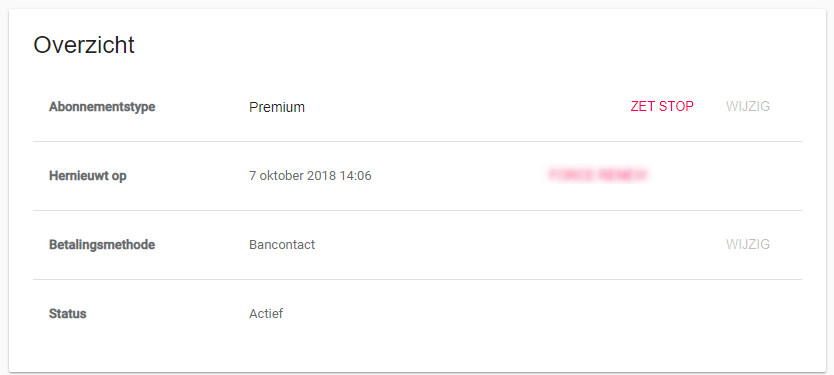
- Click the zet stop (cancel) button next to the subscription type.
The three plans: Basic Practice for 1 user (24,20 euro per month), Standard Practice for 2 to 5 users (54,45 euro per month) and Premium Practice for more than 5 users (78,65 euro per month), per practice. Every plan includes all features and updates. New customers get a free 30-day trial, once. Current prices are on the pricing page of halingo.be (in Dutch).
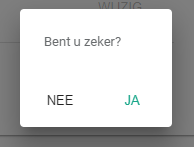
- Click yes to confirm that you want to cancel.
Important
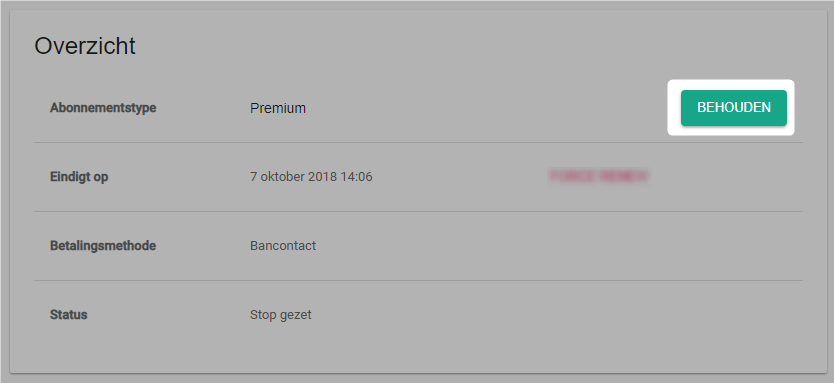
After cancelling you can undo your choice with the keep button.
Was this article helpful?
One more question?Open a ticket and we will look at it with you.
Open a ticket