
Removing an administration fee
Screenshots show the Dutch interface. Menu names and buttons appear here as they appear on screen, in Dutch.
An administration fee that has already been charged can be taken off the invoice again.
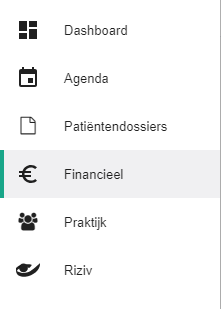
Click Financieel (Financial) in the left-hand menu.
Click the Facturen (Invoices) tab.

Click the icon
 to open the menu for the invoice you want to remove the fee from.
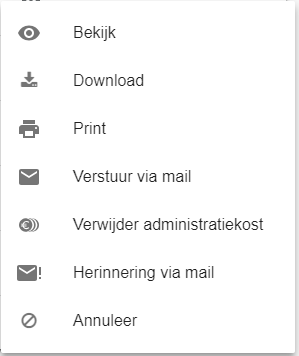
Click Verwijder administratiekost (Remove administration fee).
Was this article helpful?
One more question?Open a ticket and we will look at it with you.
Open a ticket